
How it works
From “what if” to “let’s talk.”
A useful first answer for the homeowner. A much clearer starting point for your team.
- 01
Start with what they have.
A homeowner describes the project in plain language, adds a photo or drawing, or uploads a PDF plan. An image can supplement or replace the written description.
- 02
Make the request legible.
QuoteWillow interprets the input and structures the project requirements. Relevant clarification questions can help refine the preliminary scope.
- 03
Give the project a first answer.
Your configured pricing and application rules produce a preliminary range when the request supports it. A generated concept can help the homeowner picture the result.
- 04
Bring the conversation to you.
The homeowner can submit their contact details. Your team receives the request, its project context, and the supporting estimate information.
- 05
Review. Refine. Quote.
Your team checks the assumptions, confirms site conditions, and discusses final scope. Requests needing more judgment can go straight to builder review.
Set it up around
your business.
Configure the work you take on, your pricing, and your service area. Then place the widget on your existing website.
- Review your materials, labor, and project rules.
- Configure your widget and permitted website.
- Test the homeowner experience before launch.
- Review new inquiries in your builder workspace.
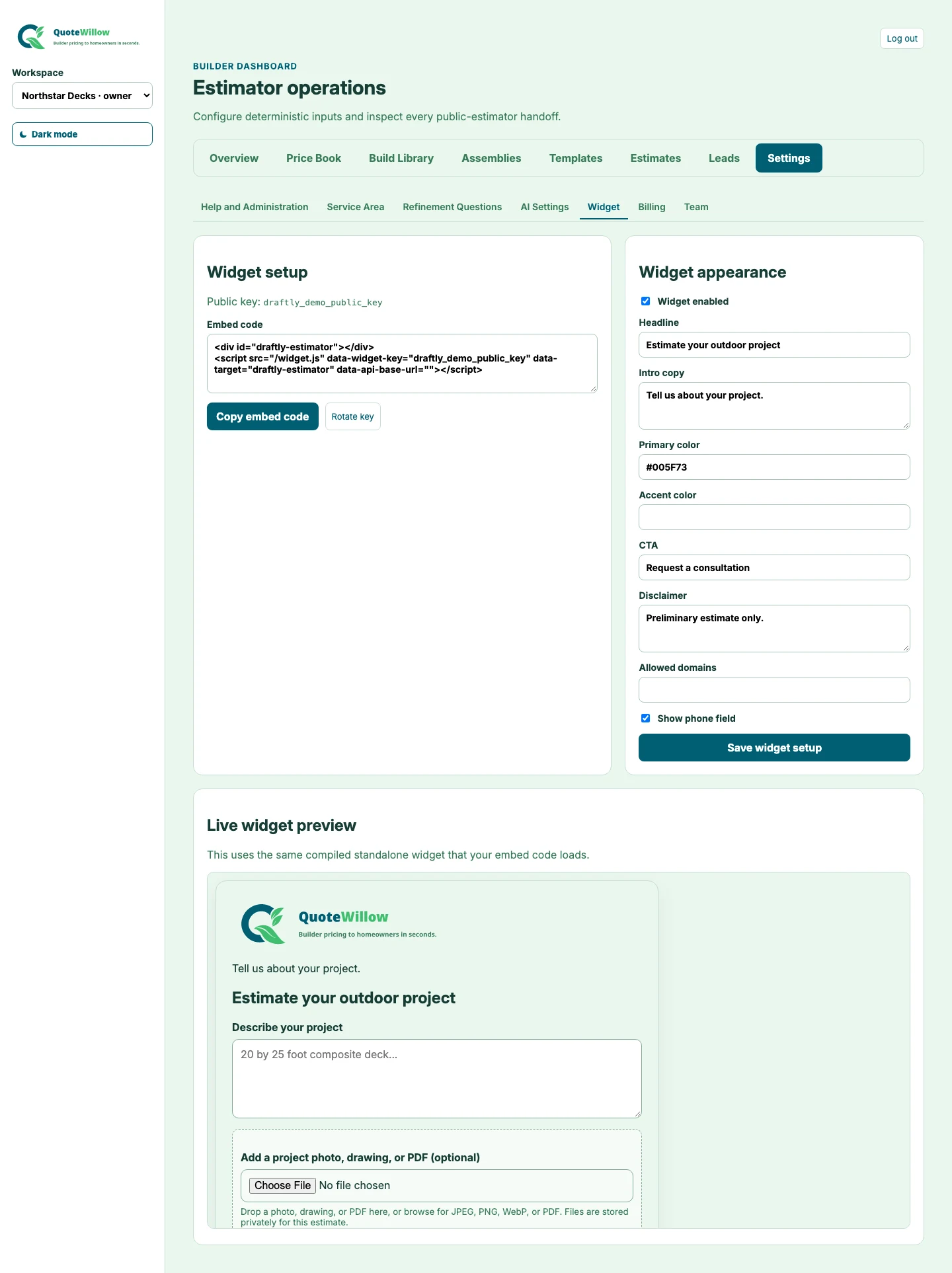
A new experience.
On the website you have.
Visitors stay in the context of your business while they explore their project.
More room
for everyday life.
Decks, patios, and places to gather.


What are you thinking of building?
A description, a photo, or a plan is a good place to start.
Explore the example
Make your next inquiry
a better conversation.
Give homeowners a useful first answer. Give your team a clearer next step.